
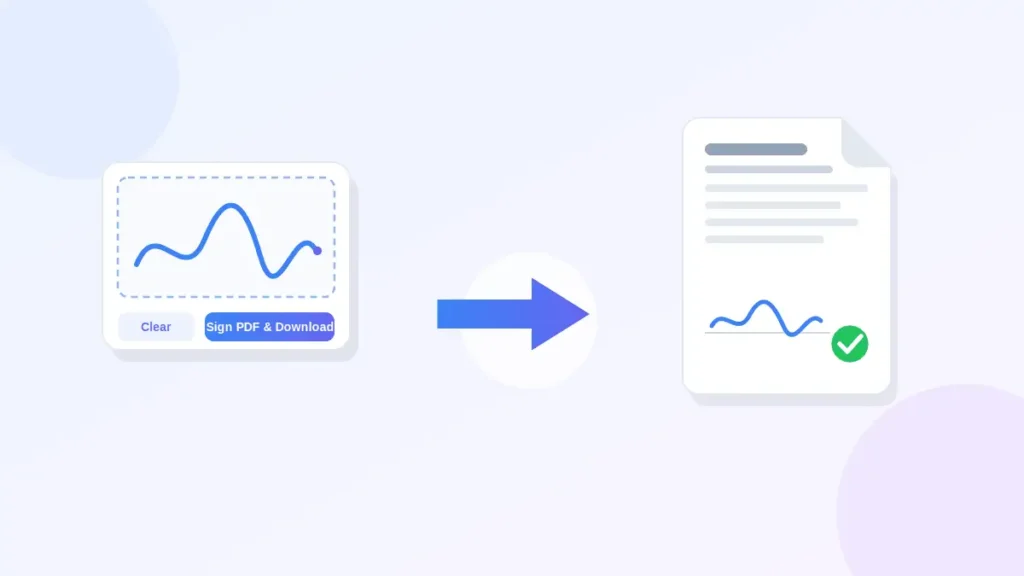
Box PDF offers a free online PDF signer and PDF signature tool that lets you draw your signature and place it on a PDF document in your browser. No software installation is required. Draw your signature, choose where it goes, and download the signed file.
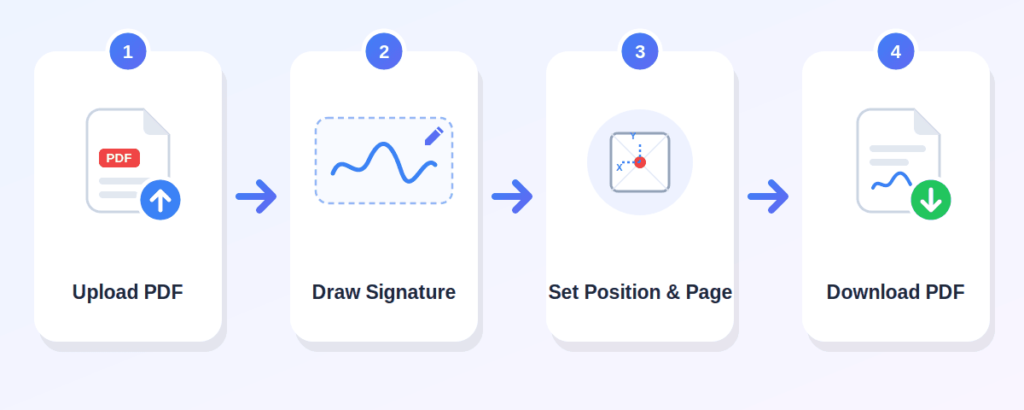
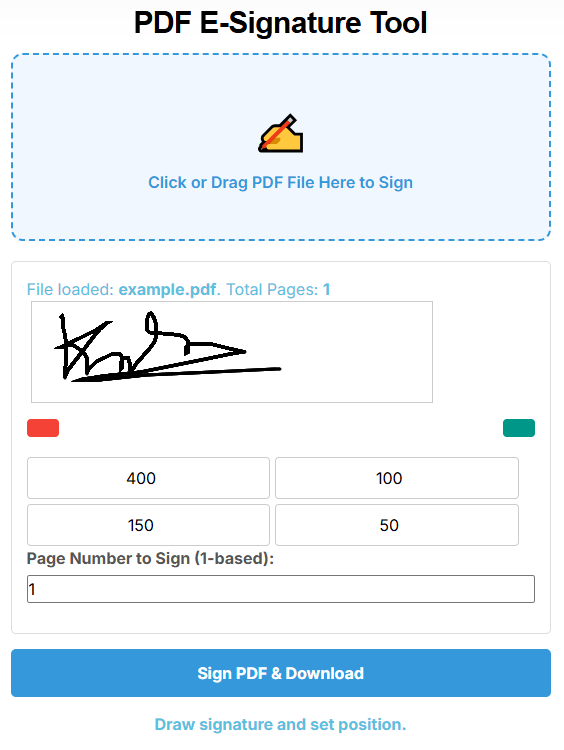
Click the "Click or Drag PDF File Here to Sign" upload area and choose the PDF file you want to sign. Only PDF files are supported. The tool will check the page count automatically.
Use the signature canvas to draw your signature with your mouse or finger (on touch devices). You can clear and redraw if needed.
Enter the X and Y coordinates to place your signature where you want it. You can also adjust the width and height. Choose which page number to sign if your document has multiple pages.
Once your signature is drawn and positioned, press the "Sign PDF & Download" button. Your signed PDF will be saved to your device
add a signature to PDF online without any cost
everything runs in your browser
use your mouse or finger to draw
set where the signature appears and its size
sign any page in a multi-page document
use it on a phone, tablet, or desktop computer
Box PDF describes its tools as browser-based and says files are not stored
Can sign permission forms, enrollment documents, or academic submissions
Can sign internal forms or routine office paperwork
Can sign administrative forms or school-related documents
Can sign application forms or onboarding documents
Can sign project agreements, contracts, or client documents
Can sign routine business forms or supplier documents
Can sign personal forms or any PDF needing a signature
covers any way of signing a document electronically — including drawing on a screen, typing a name, or uploading an image of a handwritten signature.
is a more specific technical method that uses encryption and certificates to verify the signer's identity and ensure the document has not been altered.
Upload your PDF using the upload area, draw your signature on the canvas, set the position and page number, then click "Sign PDF & Download."
Yes. The tool provides a canvas where you can draw your signature using a mouse or finger
Yes, the tool is free to use
No. The entire signing process happens online, directly in your browser — no installation needed.
Yes, the tool can be used in a browser on phones, tablets, and desktops. Touch input is supported.
Yes. After uploading your PDF, you can enter the page number you want to sign.
Yes. You can set the X and Y position and adjust the width and height using the input fields.
The tool creates an electronic signature, not a certificate-based digital signature. Whether it is legally valid depends on your local laws and the requirements of the receiving party.
The tool is intended for standard, unlocked PDF files. Password-protected or restricted PDFs may need to be unlocked first.