
Box PDF offers a free JPG to PDF converter that works directly in your browser. Select your
images, preview them, and convert them into a single PDF file. No software installation is
needed, and each PDF page matches the size of the image.
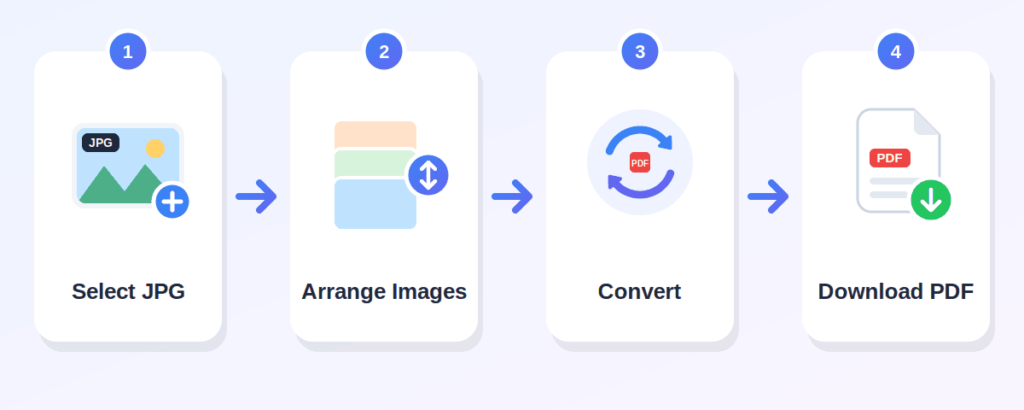
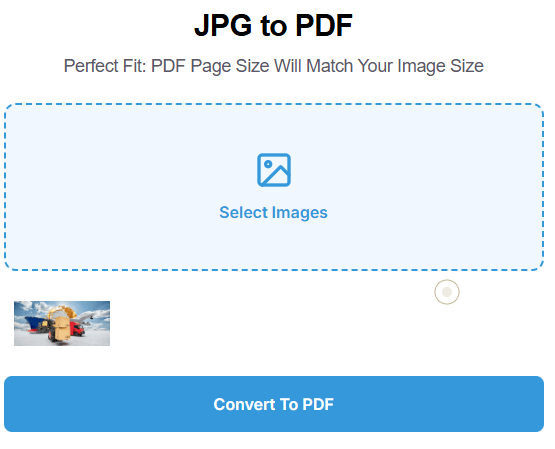
Click the "Select Images" area and choose one or more JPG images from your device. You can select multiple images at once. For this JPG to PDF tool, use JPG or JPEG files.
After selecting, the tool shows a preview of each image so you can review them before converting.
Press the "Convert To PDF" button. The tool processes your images and creates a single PDF document.
The converted PDF is saved to your device. Each image becomes a separate page, with the page size matching the image dimensions.
convert JPG to PDF online without any cost
everything runs in your browser
combine several JPG images into one PDF
see your images before converting
each PDF page matches the image size
use it on a phone, tablet, or desktop computer
Box PDF describes its tools as browser-based and says files are not stored
Can combine photos of assignment pages or notes into one PDF
Can convert scanned receipts or work images into a PDF
Can turn photos of worksheets into a single PDF for students
Can combine photos of certificates into a single PDF
Can combine client documents into one PDF file
Can convert receipts or product images into a PDF
Can combine any JPG images into one PDF for sharing
Click "Select Images," choose your JPG files, preview them, then click "Convert To PDF." The PDF is saved to your device automatically.
Yes. You can select multiple images at once, and they will be combined into a single PDF file.
Yes, the tool is free to use.
No. The process happens online, directly in your browser
Yes, the tool works in a browser on phones, tablets, and desktops
JPG and JPEG files are the intended formats for this JPG to PDF tool.
Yes. Scanned images saved as JPG or JPEG files can be converted into a PDF.
The tool does not offer drag-to-reorder. Images are processed in the order you select them, so choose them in the sequence you want.
No. The tool creates a new PDF from your images. Your original files stay unchanged.