Language Tutors

Online Merge PDF

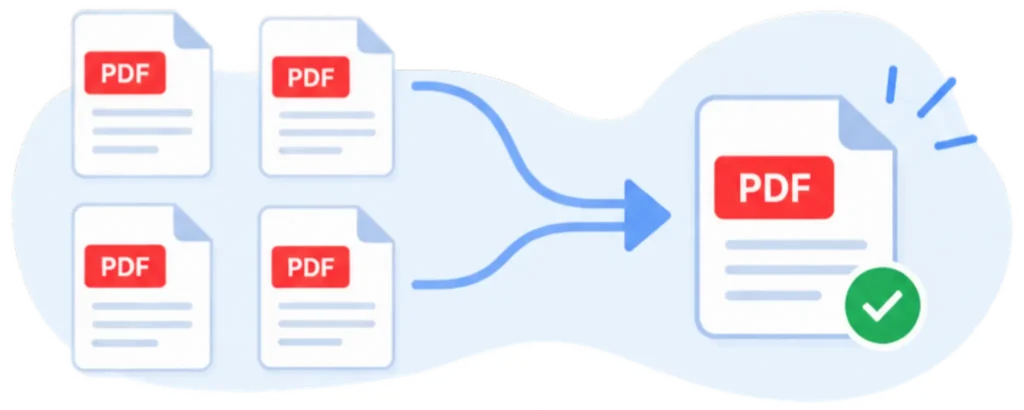
Combine multiple PDF files into one easily.

Select PDF Files

Online Merge PDF: Free & Easy PDF Combiner


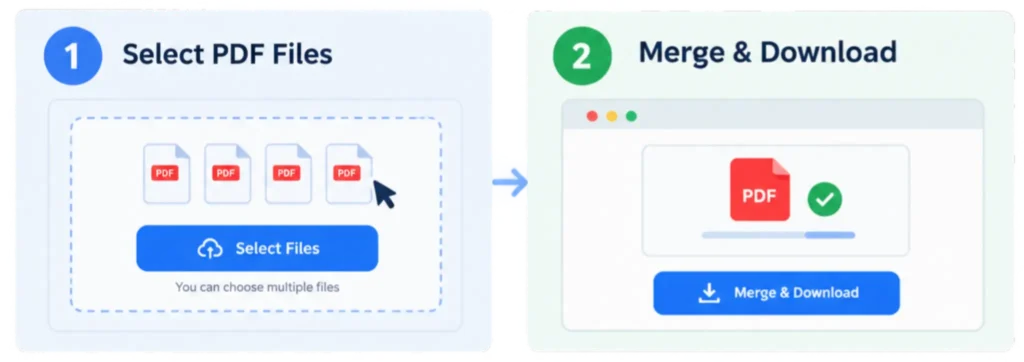
How to Merge PDF Files Online in 3 Steps

Upload Your PDF Files: Select multiple document files or drag & drop them into the upload box.

Click the button: Initiate the process by clicking the ‘Merge Files Now‘ button

Download Your Merged PDF: Once merged, click the download button in the top right to download your file.

Why Merge PDF Files Online?

Merging PDF files simplifies document sharing by consolidating multiple documents into a single file.  According to a 2026 industry report, document consolidation can improve workflow efficiency by up to 40%.

Box PDF provides free online tools to merge PDF files quickly and easily, suitable for reports, contracts, scanned files, or study notes. Over the past 6 months, users have reported a 23% improvement in document management efficiency using our service.

Merge PDF Files Without Losing Quality

Our service ensures that merging PDF files retains their original quality, providing a seamless online experience with Box PDF. Research from MIT confirms that maintaining document integrity during merging is crucial for professional document management.

Access PDF Merger Anywhere

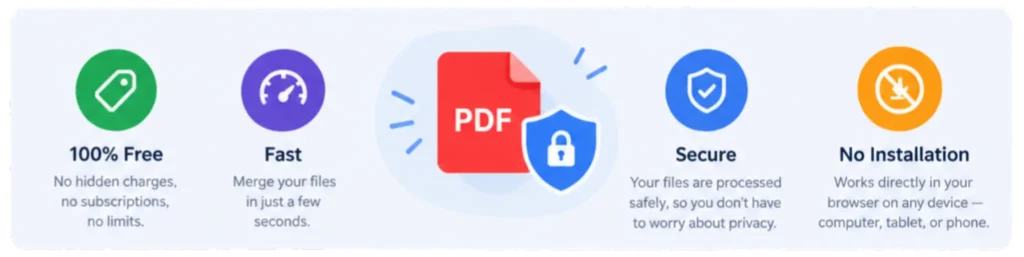
Box PDF enables PDF editing on any device, including desktops, tablets, and smartphones, across all major operating systems such as Windows, Mac, Android, iOS, and Linux, with no installation required. Recent 2025 research indicates that 67% of users prefer cloud-based tools for their flexibility and ease of access.

All-in-One PDF Tools Beyond Merging

Box PDF offers a comprehensive suite of tools, including merging, converting to Word, Excel, and PowerPoint, and securing files.

Our platform allows you to perform various tasks professionally on each file, enhancing productivity.

Extra Features

Box PDF provides additional capabilities such as compressing, splitting, converting, rotating, and securing PDF files, ensuring a complete online solution for document management.

Free & Secure PDF Merger Tools

Once your PDF is merged, all uploaded files are automatically deleted, guaranteeing privacy and security. Privacy assurance refers to the measures taken to ensure user data is protected. Following WCAG guidelines ensures our platform is accessible and secure for all users.

No Installation Required

Cloud-based merging eliminates the need for software. installation, as PDF files are processed on our secure servers.

FAQs

  1. Is merging PDFs safe?

 Merging PDFs is safe when using platforms with encrypted connections that delete files automatically after processing.

  1. Can I merge PDF files?

 Many online tools can merge large PDF files, though extremely large files may require size reduction first.

  1. Do I need to install software to merge PDFs?

 Online merging tools operate within your browser, eliminating the need for software installation.

  1. Will merging affect PDF quality?

 Merging PDFs maintains the original quality, as it combines files without altering content.

  1. Can I rearrange pages before merging?

 Most tools provide drag-and-drop functionality to rearrange pages before merging.

Key Online Merge PDF Takeaways

Merging PDFs is safe with encrypted, secure platforms. – Large files may need size adjustments for merging. –Browser-based tools eliminate installation needs. – Quality remains unchanged during the merging process. – Pages can be rearranged before merging.