
Box PDF offers a free Merge PDF tool that lets you bring multiple PDF files together in one place. There is no software to install and no sign-up required — everything happens right in your browser. Whether you are a student preparing an assignment, an office worker organizing reports, or someone who just wants to keep related documents in one file, this tool makes the process quick and straightforward.
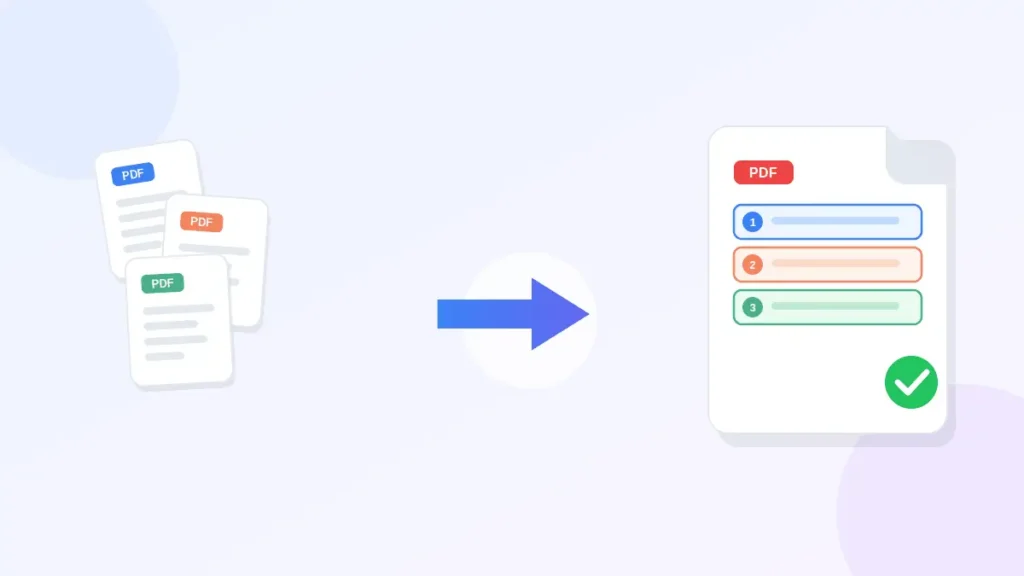
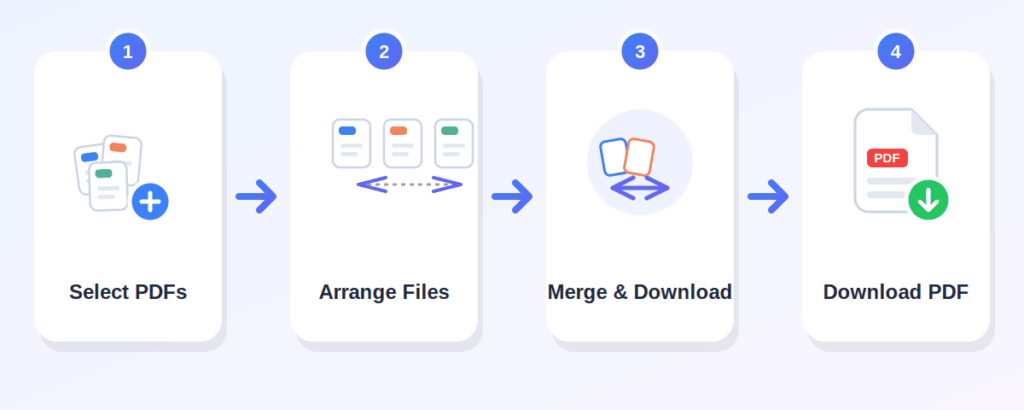
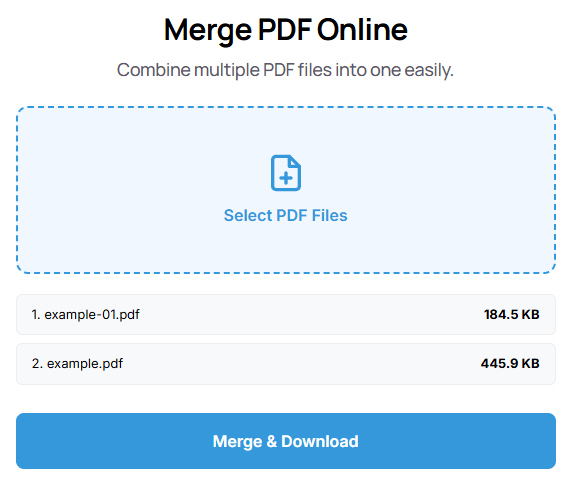
Click the "Select PDF Files" area and choose the PDF documents you want to combine. You can pick multiple files at once.
If file-order controls are shown, arrange them so the final PDF looks exactly the way you want.
Once your files are selected and ordered, press the "Merge & Download" button to combine them into one PDF.
The tool combines your files and gives you a single PDF ready to save to your device.
merge PDF files online without any cost
everything runs in your browser, so there is nothing to download or install
the interface is clean and easy to understand, even if you have never merged PDFs before
put your documents in the sequence you need before combining them
bring several documents together into one organized file
keep related documents in a single PDF instead of managing multiple files
use it on a phone, tablet, or desktop computer
Box PDF describes its tools as browser-based and says files are not stored
Can combine lecture notes, assignment pages, or research papers into one file before submission
Can merge reports, invoices, contracts, or meeting documents into a single organized PDF
Can combine worksheets, lesson plans, or course materials into one document for easy sharing
Can combine a resume, cover letter, and certificates into one PDF when applying for roles
Can merge project-related documents, proposals, and deliverables into a single file for clients
Can combine reports, records, or business documents into one PDF for better organization
Can stop juggling separate attachments and keep everything they share in one clean file
Upload your PDF files using the "Select PDF Files" area, arrange them in the order you want, then click "Merge & Download." Your combined PDF will be ready to save.
Yes. You can select multiple PDF files and combine them into a single document in one process
Yes, the tool is completely free to use with no hidden costs
No. The entire merging process happens online, directly in your browser — no installation needed.
Yes, the tool works on mobile phones, tablets, and desktop computers alike.
Yes. You can arrange the files in the order you want before combining them into one PDF.
Merging creates a new combined PDF, so your original PDF files are not edited.
Yes, scanned PDF files can be merged just like any other PDF document