
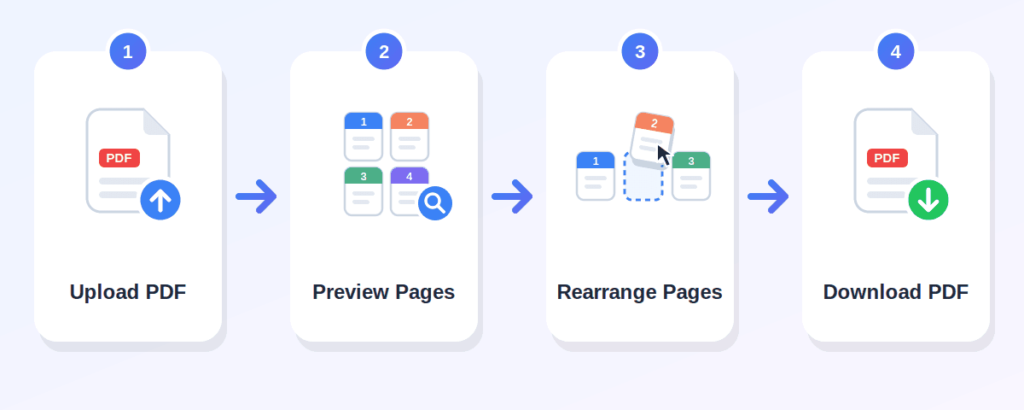
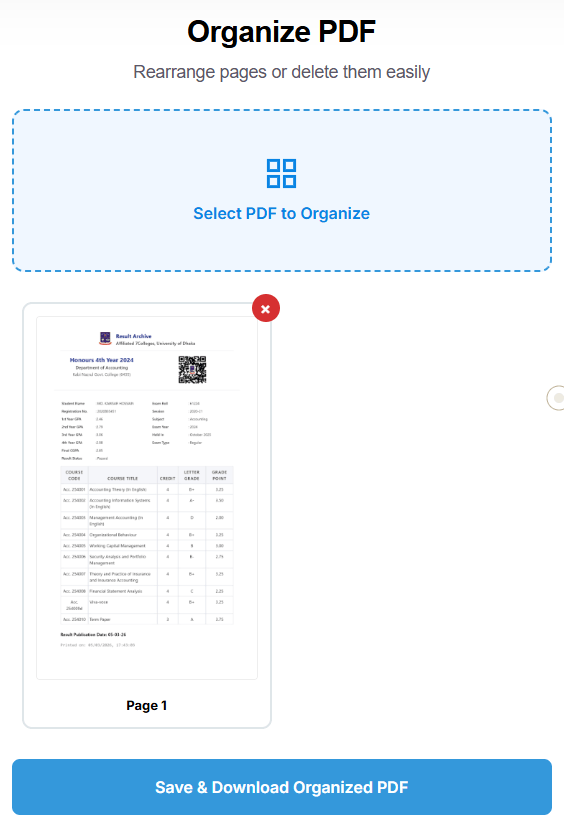
Click the "Select PDF to Organize" area and choose the PDF you want to arrange. Only PDF files are supported.
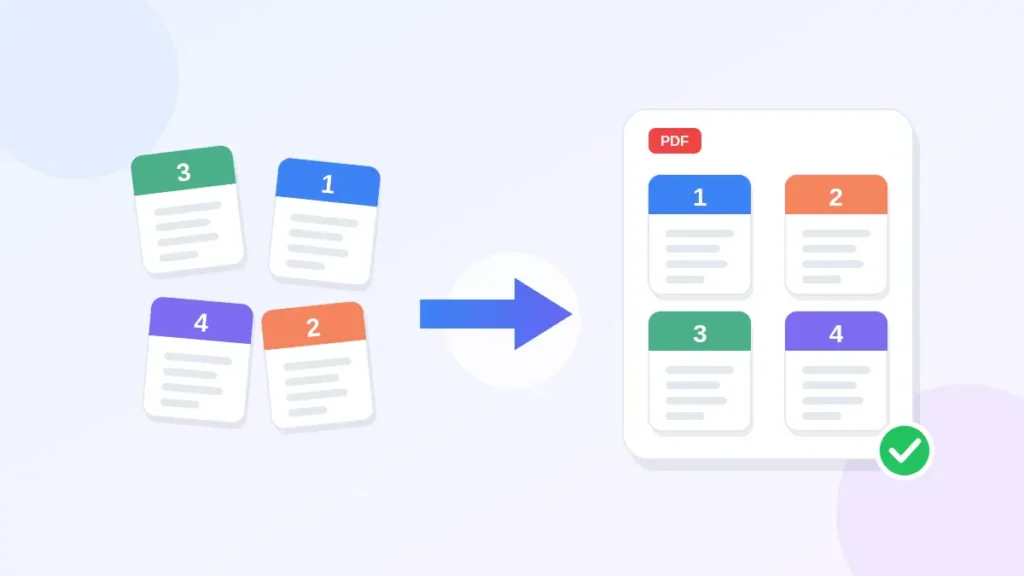
After uploading, the tool renders a thumbnail of each page. You will see all pages in a grid, each labeled with its page number.
Drag and drop page thumbnails to change their order. If a page is not needed, click the "×" button on its thumbnail to remove it.
Once your pages are in the desired order, press the "Save & Download Organized PDF" button. Your organized PDF will be saved to your device.
organize PDF online without any cost
everything runs in your browser
move pages by dragging their thumbnails
remove pages you do not need with one click
see each page as a thumbnail before making changes
each thumbnail shows its original page number for easy reference
use it on a phone, tablet, or desktop computer
Box PDF describes its tools as browser-based and says files are not stored
Can arrange assignment pages in the correct order before submitting
Can organize reports with misplaced pages
Can reorder worksheet pages or study materials
Can organize application documents or supporting pages
Can arrange client documents before sharing
Can fix page order of business documents
Can rearrange any PDF with pages in the wrong order
Here are some of the most common situations where merging PDFs comes in handy:
Drag a thumbnail to the correct position in the grid.
Drag several thumbnails to create a new page order.
button on any thumbnail to remove that page. You can delete one or multiple pages.
Upload your PDF, drag page thumbnails to reorder them, click "×" on any page to delete it, then click "Save & Download Organized PDF."
Yes, the tool is free to use.
No. The process happens online, directly in your browser.
Yes, the tool works in a browser on phones, tablets, and desktops.
Yes. Drag any page thumbnail to move it to a new position in the document.
Yes. You can drag as many page thumbnails as you need to create your preferred order.
Yes. Click the "×" button on any page thumbnail to remove that page from the final document.
Yes, as long as the scanned document is saved as a standard, unlocked PDF.
Yes. The tool shows page thumbnails for multi-page PDFs, but very large files may take longer or depend on your browser
No. The tool creates a new PDF with your chosen page order. Your original file stays unchanged.